


Move-In
2026 Summer Move-In
Spring to Summer transition: May 15
Full Summer and Early-Short Move-in: May 15
Ignite Move-in: June 24
Late-Short Move-in: June 26
FYSA Move-in: July 13
Bins will be available for check-out every day during move-in. Please see Area Office hours below.
Make move-in appointments at My Housing. Students will receive time-tickets via email to select a move-in appointment.

2026 Fall Move-In
Summer to Fall transition: August 7
Centralized Move-in: August 15 – 16
Decentralized Move-in: August 18 – 22
Bins will be available for check-out every day during move-in. Please see Area Office hours below.
Make move-in appointments at My Housing. Students will receive time-tickets via email to select a move-in appointment.
- All residents must select a move-in appointment prior to arriving on campus. Check your move-in appointment in My Housing: if you experience delays and will arrive after check-in closes, please follow the instructions Late Arrival Process.
- If you do not already have a BuzzCard, submit your BuzzCard photo online following these guidelines.
- Connect with your roommate through My Housing to discuss appliances, allergies, and other considerations.
- Review our list of Items to Bring (and what not to bring).
Before you depart for campus, review the map of how to get to campus and find check-in.
- New Resident Check-in Map
- Select the Move-in option to view all unloading, recycling, trash, and golf cart shuttle locations.
- Complete the self check-in process approximately 30 minutes prior to your move-in appointment.
- Plan to arrive for check-in at the time of your move-in appointment.
- Make sure you have submitted your BuzzCard photo and enabled your digital BuzzCard before you arrive to move-in!
- Enable Your Digital BuzzCard
- Download the Transact eAccounts Mobile App.
- Select Georgia Institute of Technology and sign in with your Georgia Tech credentials.
- Tap Add to Wallet.
The process only takes a few minutes, and having your Digital BuzzCard ready before move-in will make your arrival on campus much smoother.
Once you reach your unloading zone:
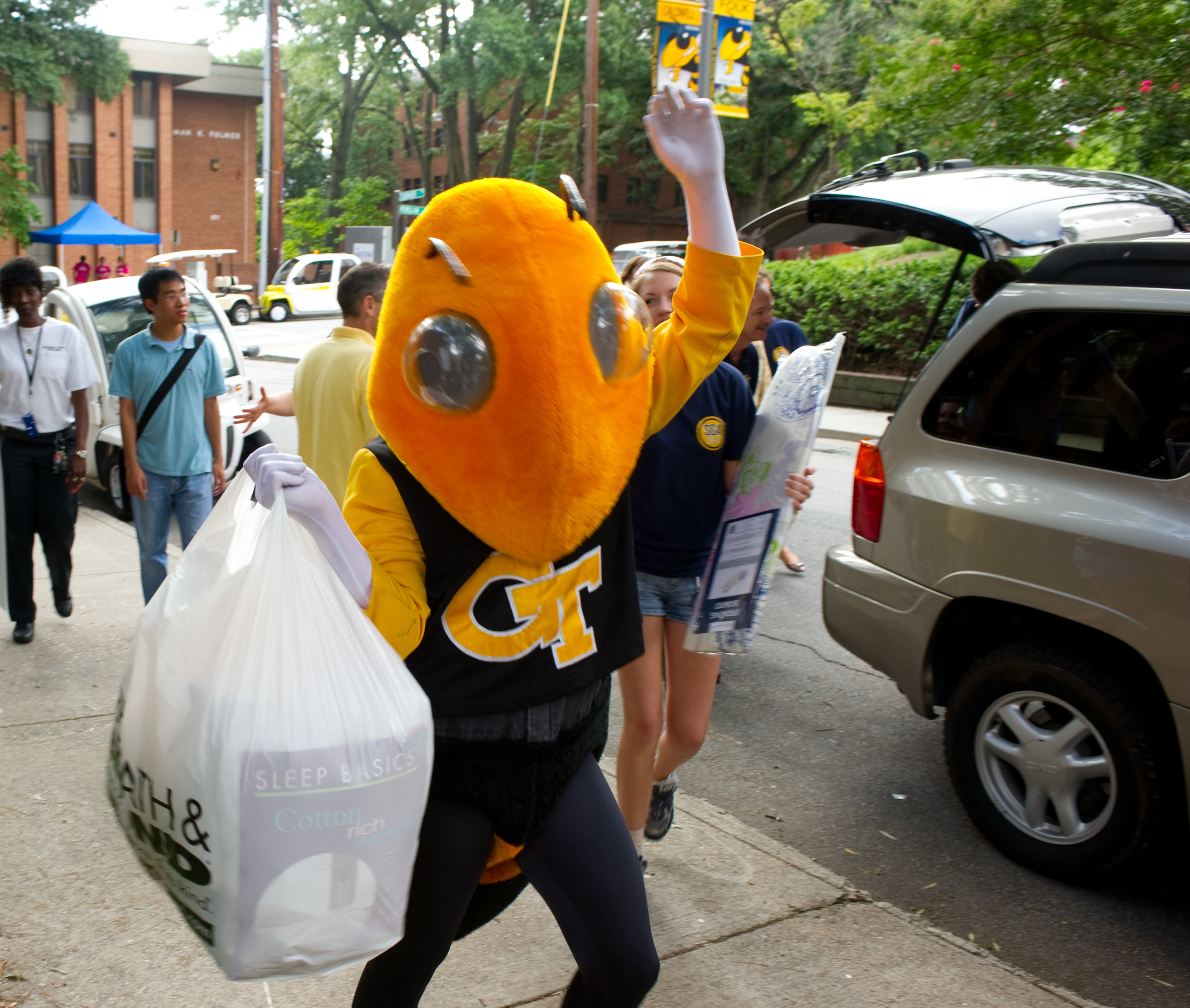
- Volunteers will be present to help unload your belongings from your car into a bin.
- Do not leave your vehicle unattended while unloading.
- As soon as your items are in a bin, we ask that your vehicle is moved to short term parking to allow others to unload.
As you unpack, look for signage and spaces for recycling of cardboard boxes and styrofoam. Find a map of those recycling stations here.
- Be on the lookout for an email with instructions on filling out your room condition report, how to submit a facilities request, and other ways to settle in to your new home.
- Connect with your RA about your first floor meeting and Week of Welcome.


- Look for signage directing you to single car and multi-car lanes.
- The check-in location has a maximum height of 7-feet 6-inches to enter. This means U-hauls and other taller vehicles won’t be able to enter.
- Make sure the incoming resident is in one of the front seats.
- From check-in, our volunteers will direct you to your unloading zone.
Follow the same map to check-in at the Campus Recreation deck, where you will find a drop-off for rideshare passengers before you enter. You will check in at the entrance, and from there we will provide transportation to your residence hall with your belongings.
Take the MARTA to the Midtown/10th St. station, from there take the Stinger (campus bus system) Gold Route to the Campus Recreation stop. Then follow the signs for walk-ups that will lead you to check-in. The Gold Route will follow its typical schedule on weekdays, and from 10:00a.m. – 5:00p.m. (EST) on Saturdays.
If you arrive outside of official move-in times or after the Gold Route has stopped, we recommend a rideshare or call a Stingerette to bring you directly to your residence hall.
